
Back to Blogs
Products
Questions Every Buyer Should Ask Before Investing in a Digital Printing Machine
A practical digital printing machine buying guide for business owners. Know the right questions to ask, avoid costly mistakes, and choose a machine built for growth.
Orange O Tec
6 Aug 2026 • 5 min read
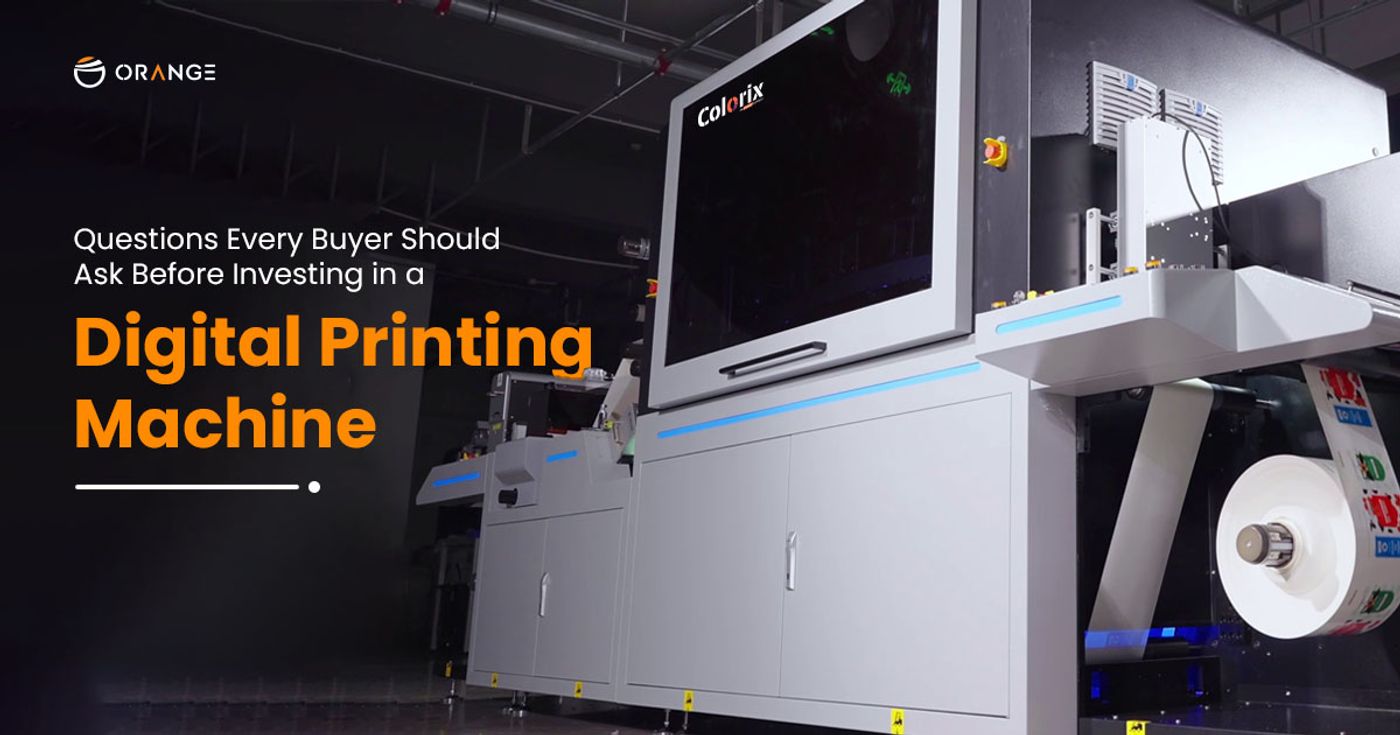
Most buyers spend weeks comparing specifications. Very few ask the questions that actually determine whether a digital printing machine becomes a profit centre or a costly burden.
Investing in a digital printing machine is one of the biggest decisions a printing business will make. The machine you choose will define your production capacity, product quality, ink costs, downtime exposure, and ability to serve your buyers for the next five to ten years. Get it right, and it accelerates everything. Get it wrong, and the hidden costs of maintenance, consumables, service delays, and reprints eat your margins quietly, month after month.
This digital printing machine buying guide is designed to help you ask the questions that matter before you sign any agreement. Whether you are a first-time buyer, upgrading an existing line, or expanding capacity with a second machine, these are the conversations to have with every manufacturer you evaluate.
1. What Is the True Cost of This Digital Printing Machine?
The machine price is just the starting point. Ask for a complete cost-of-ownership breakdown: machine cost, installation charges, ink consumption per metre, maintenance contracts, spare part pricing, and consumables over the first 12 months.
A machine priced lower upfront can easily cost 30–40% more over two years if the ink system is expensive, parts are imported, or service calls are billed separately. When evaluating digital printing machine price in India, always ask for a TCO (Total Cost of Ownership) estimate, not just the ex-works figure.
Ask specifically: What is the ink cost per linear metre at my expected print volume? What does an annual maintenance contract cover?
2. What Is the Machine's Actual Output Speed and Under What Conditions?
Manufacturers quote peak speeds. Production managers live with real-world throughput. These are not always the same number.
Ask for speed figures at the print quality you will actually use, not at draft mode. A digital textile printing machine rated at 200 linear metres per hour at draft may deliver 80–110 metres per hour at production quality. That gap changes your entire capacity planning.
For reference: Orange O Tec's Colorix FabPro 1i delivers 2,200 linear metres per day, and the FabPro 2i reaches 5,500 linear metres per day figures verified at production-grade resolution, not marketing conditions.
Ask: What is the rated speed at 600 dpi? At 1200 dpi? What is the average daily output in a real two-shift production environment?
3. Which Ink Types Does the Machine Support?
Your fabric mix determines your ink requirements. A machine locked to a single ink type, say, only sublimation, will limit you the moment your buyers ask for reactive or pigment prints on natural fibres.
Ask whether the machine supports reactive, acid, pigment, disperse, and sublimation inks. Ask whether switching between ink types requires hardware changes or just a profile swap. And critically, ask whether you are required to buy inks exclusively from the manufacturer, or whether third-party inks are supported.
Ink lock-in is one of the highest hidden costs in digital printing machine investment. Some manufacturers price machines low but recover the margin entirely through the ink supply. Syahi inks from Orange O Tec are sold openly, OEKO-TEX® certified, and compatible with Kyocera and Epson I3200 printheads, giving buyers genuine pricing freedom.
Ask: Am I locked into your ink brand? What happens to the warranty if I use a third-party ink?
4. What Is the Printhead Technology and What Is the Replacement Cost?
The printhead is the heart of any digital printing machine. Its quality determines colour accuracy, consistency, and how much reprinting you do. Its cost determines how expensive the machine becomes when things go wrong.
Ask which printhead brand the machine uses: Kyocera, Epson, Ricoh, or others. Ask for the rated printhead lifespan in linear metres. Ask for the current replacement cost per head. A machine with four printheads at ₹80,000 each means a ₹3.2 lakh replacement cycle. Know this before you buy.
Orange O Tec has installed over 10,000 Kyocera printheads and 5,000 Epson printheads across its customer base, giving it one of the deepest printhead service ecosystems in India.
Ask: What is the printhead made of? What is the rated life in LM? What is the current replacement cost, and is it available in India?
5. What Does the After-Sales Service Network Look Like?
A digital printing machine that goes down costs you orders, not just time. The quality of after-sales service response time, engineer proximity, and spare part availability is arguably more important than the machine's specification sheet.
Ask how many service engineers the manufacturer has in your region. Ask for the committed response time SLA for a critical breakdown. Ask whether spare parts are stocked in India or imported on demand. A 15-day wait for an imported spare part can cost a mid-size printer ₹5–10 lakhs in lost production.
Orange O Tec operates with 85+ dedicated service engineers across India, one of the largest pan-India service networks in the digital textile printing segment and a spare parts inventory valued at over ₹7 crore built to keep your production running without interruption.
Ask: How many engineers do you have within 200km of my facility? What is your average response time? Do you stock critical spare parts locally?
6. Is the Digital Printing Machine ROI Measurable for My Business?
Every manufacturer will tell you the machine pays for itself. Ask them to show you how with your numbers, not generic projections.
A credible manufacturer will help you model the digital printing machine ROI based on your current production volume, average order size, substrate mix, and shift structure. They will show you the break-even point, monthly ink cost, expected throughput gains, and how the machine replaces or supplements your current process.
If a sales team cannot walk you through a basic ROI model for your business, that is a red flag. It means they are selling machines, not business outcomes.
Ask: Can you build an ROI projection based on my actual production data? What is the typical break-even period for a business at my scale?
7. What Substrates and Print Widths Does the Machine Handle?
Your current substrate range is not your future substrate range. As your buyer base grows, you will be asked to print on fabrics, films, or materials you do not handle today. A machine that cannot scale with your product mix will force a second investment sooner than planned.
Ask for the full substrate compatibility list. Ask for the maximum and minimum print width. Ask whether the machine handles stretch fabrics without distortion, a common pain point in knit and sportswear printing. Ask about media thickness tolerance if you print on technical fabrics or coated materials.
Colorix Position Pro, for example, supports reactive, acid, pigment, and disperse inks at 1850mm print width, built specifically for manufacturers who cannot afford substrate limitations.
Ask: What is the maximum substrate width? Can it handle stretch fabrics? What is the maximum media thickness?
8. What Software Ecosystem Comes with the Machine?
Hardware is only half the equation. The RIP software, colour management system, and production workflow tools that come with the machine determine how efficiently your operators can actually use it.
Ask whether the machine includes a production-grade RIP software or requires a third-party purchase. Ask about ICC profile availability for your specific fabric types. Ask whether the software supports nested printing, step-and-repeat, and colour matching across print runs.
Poor software integration forces operators to compensate manually, which means inconsistency, waste, and longer setup times on every new job.
Ask: Is RIP software included? Does it support ICC profiles for my substrates? Can I integrate it with my existing production workflow?
9. What Is the Machine's Sustainability Profile?
Export buyers, especially in Europe and the US, are increasingly requiring compliance documentation for environmental standards. If you print for export or plan to, the sustainability credentials of your machine and ink system directly affect your market access.
Ask about water consumption versus traditional printing methods. Ask whether the inks are OEKO-TEX® certified or carry equivalent safety certifications. Ask whether the machine reduces effluent load and how it handles ink waste. These are no longer nice-to-have features; they are buyer requirements in regulated markets.
Digital textile printing already uses up to 90% less water than traditional screen printing. The machines and inks you choose determine whether you can prove that claim to your international buyers.
Ask: Are your inks OEKO-TEX® certified? What is the water consumption per metre compared to conventional printing? What documentation can you provide for export compliance?
10. What Does the Training and Onboarding Process Look Like?
A digital printing machine is only as good as the team operating it. Inadequate training is one of the most common and most avoidable causes of poor print quality, increased waste, and suboptimal machine utilisation in the first six months.
Ask how many days of on-site training are included. Ask whether training covers machine operation, colour management, routine maintenance, and basic troubleshooting. Ask whether refresher training is available after three to six months, when your operators have real production questions.
The best manufacturers treat onboarding as a multi-month process, not a two-day handover. The difference between an operator who knows how to run a machine and one who understands how to optimise it is measured in metres per day and reprint rates.
Ask: How many days of on-site training do you provide? Does training cover RIP software and colour management? Is refresher training included in the warranty period?
Conclusion
Choosing a digital printing machine is not a procurement decision. It is a business architecture decision. The machine you select will shape your production capacity, product range, cost structure, and competitive positioning for the next decade.
Ask every question on this list. Demand honest, specific answers. And work with a manufacturer who has done this before at scale, across diverse production environments, with a service network that shows up when it matters.
Orange O Tec has supported 750+ successful digital printing installations across India, with a full ecosystem of machines, Syahi inks, and 85+ service engineers. We do not just supply machines; we help businesses scale.
Because in the digital printing industry, the buyers who grow fastest are not the ones who bought the cheapest machine. They are the ones who asked the right questions before they invested.
Ready to invest in a digital printing machine built for your business? Let our team walk you through a personalised ROI model and machine recommendation.
FAQs
What to look for when buying a digital printing machine?
Prioritise printhead quality, ink type flexibility, after-sales service network, real-world production speed, and total cost of ownership, not just machine price.
How much does a digital printing machine cost in India?
Entry-level industrial digital printers start from ₹15–25 lakhs. High-speed production machines like Colorix FabPro range higher depending on printhead count and speed. Always evaluate the total cost of ownership over 3 years, not just the purchase price.
Is a digital printing machine profitable?
Yes, when matched correctly to production volume, substrate mix, and buyer requirements. A proper ROI analysis should show break-even within 18–36 months for most mid-size printing operations.
What is the lifespan of a digital printing machine?
Industrial digital printing machines typically last 7–12 years with proper maintenance. Printhead replacement cycles are a key maintenance cost to factor in from year one.
Should I buy or lease a digital printing machine?
Buying is generally preferable for established businesses with consistent production demand. Leasing can work for startups or businesses testing a new product segment. Evaluate cash flow impact and total interest cost before deciding.